Photo to Anime AI: Transform Photos into Anime Art
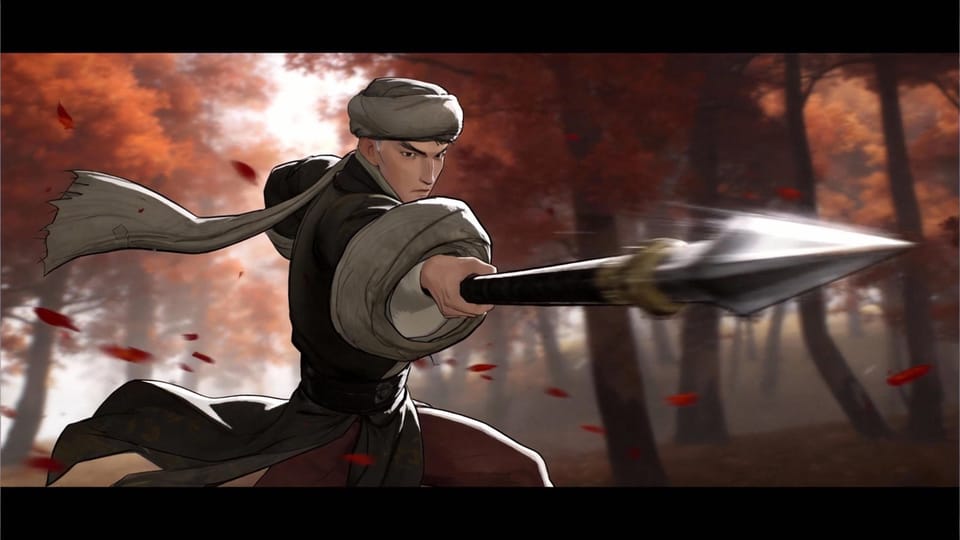
Go beyond basic anime filters. Seedance Lab mode applies deep anime stylization that understands composition, lighting, and character design conventions. Whether you want soft Ghibli watercolors or bold shonen line art, the AI adapts each photo into genre-authentic anime illustrations.
Create your image now
At a glance
Best for
Anime fans, digital artists, cosplayers, and content creators.
Use case
Transform portraits and scenes into anime-style art for fan content, social media, and personal creative projects.
Workflow mode
What to Expect
Authentic anime art that respects genre-specific visual conventions
Consistent character look across multiple photo-to-anime conversions
Print-quality anime illustrations from everyday photos
How It Works
- 1
Upload your photo — portrait, full-body, or landscape scene.
- 2
Select an anime sub-style from the curated style library.
- 3
Adjust rendering detail: sketch, line art, flat color, or full render.
- 4
Preview the result and refine specific elements like eye style or hair flow.
- 5
Export in high resolution for prints, wallpapers, or social posts.
Common Questions
Related Tools
View allText to Video AI for Repeatable Campaign Production
text to video ai
Free AI Video Generator for Fast Validation
ai video generator free
AI Music Video Generator for Repeatable Promo Assets
ai music video generator
UGC Video Ad Generator for Repeatable Paid Social Testing
ugc video ad generator
Seedance 2.0 vs Luma Dream Machine: Cinematic Shorts vs Multi-Shot Production
seedance vs luma
Seedance 2.0 vs Haiper 2.0: Production Quality vs Speed & Value
seedance vs haiper